

Business intelligence
BI uses data analysis and strategies to monitor key
performance indicators, helping hotels make data-
driven decisions
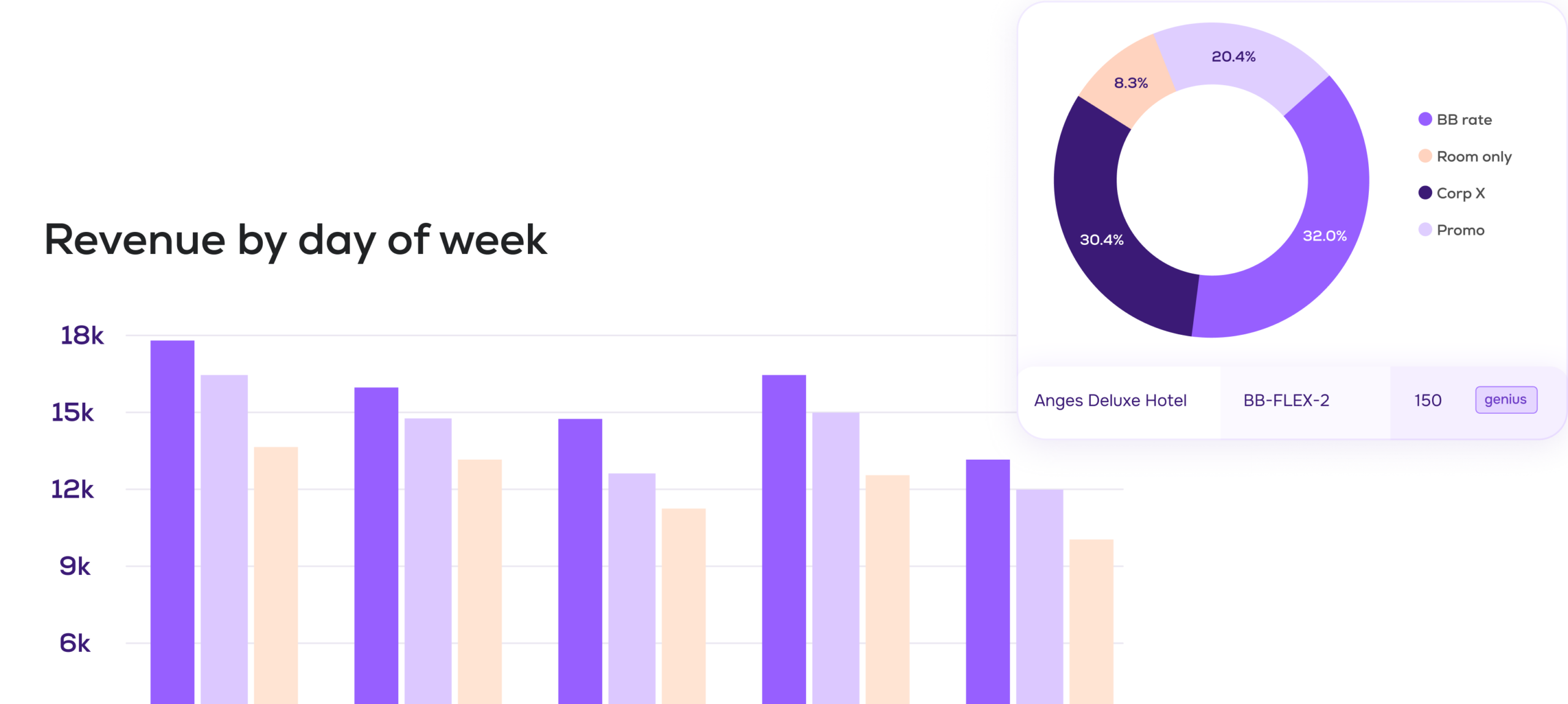
The metrics you need to explain every
performance change
Go beyond totals. Understand who books, what they book, when they book, and how it changes over time.
Revenue and Occupancy
occupancy, ADR, RevPAR, revenue, NetRevPAR, commissions, expenses, GOPPAR

Sales Dynamics
sales pace, booking window, cancellations, length of stay, arrivals, departures
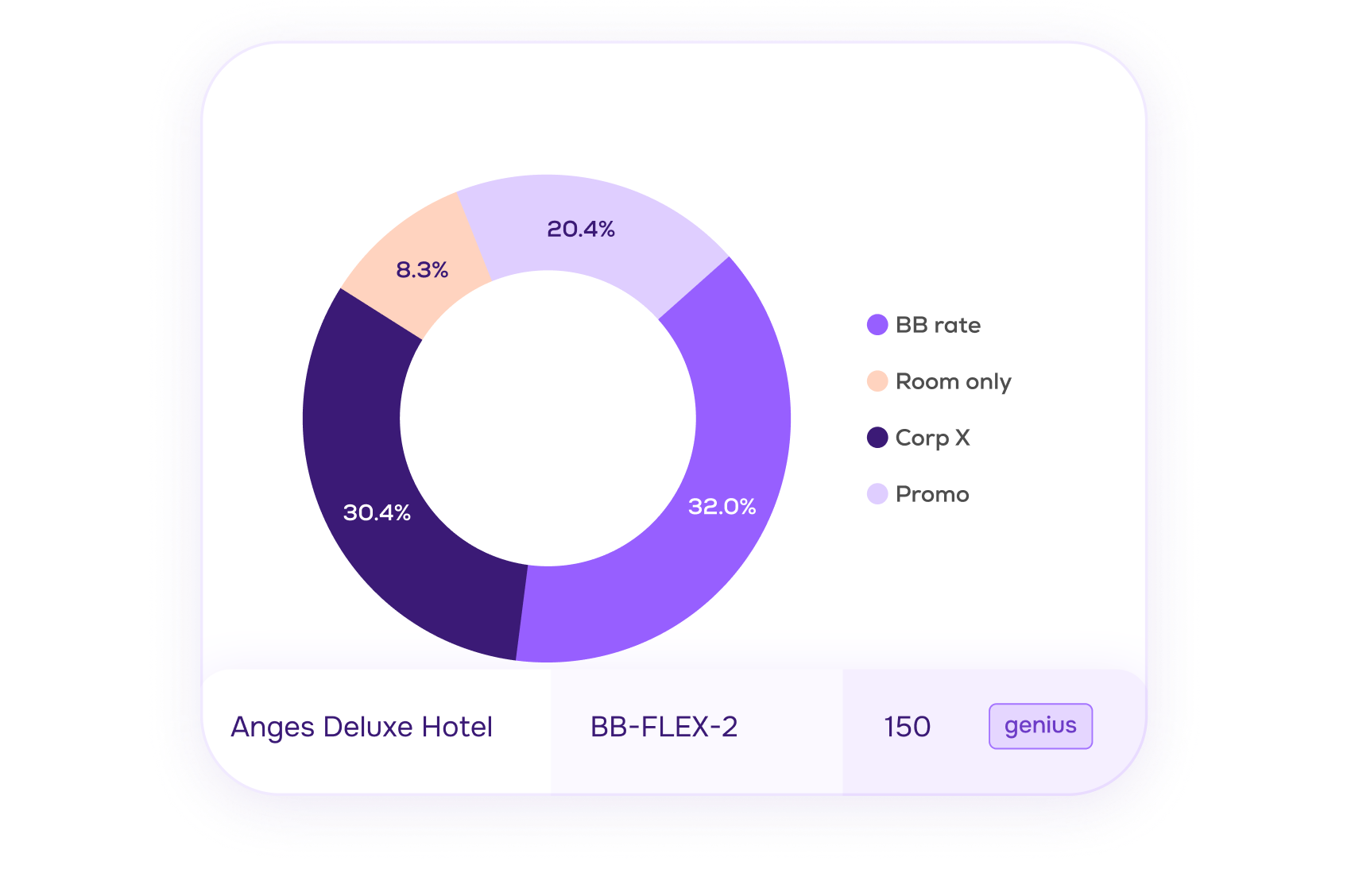
Guest Analysis
number of guests, room nights
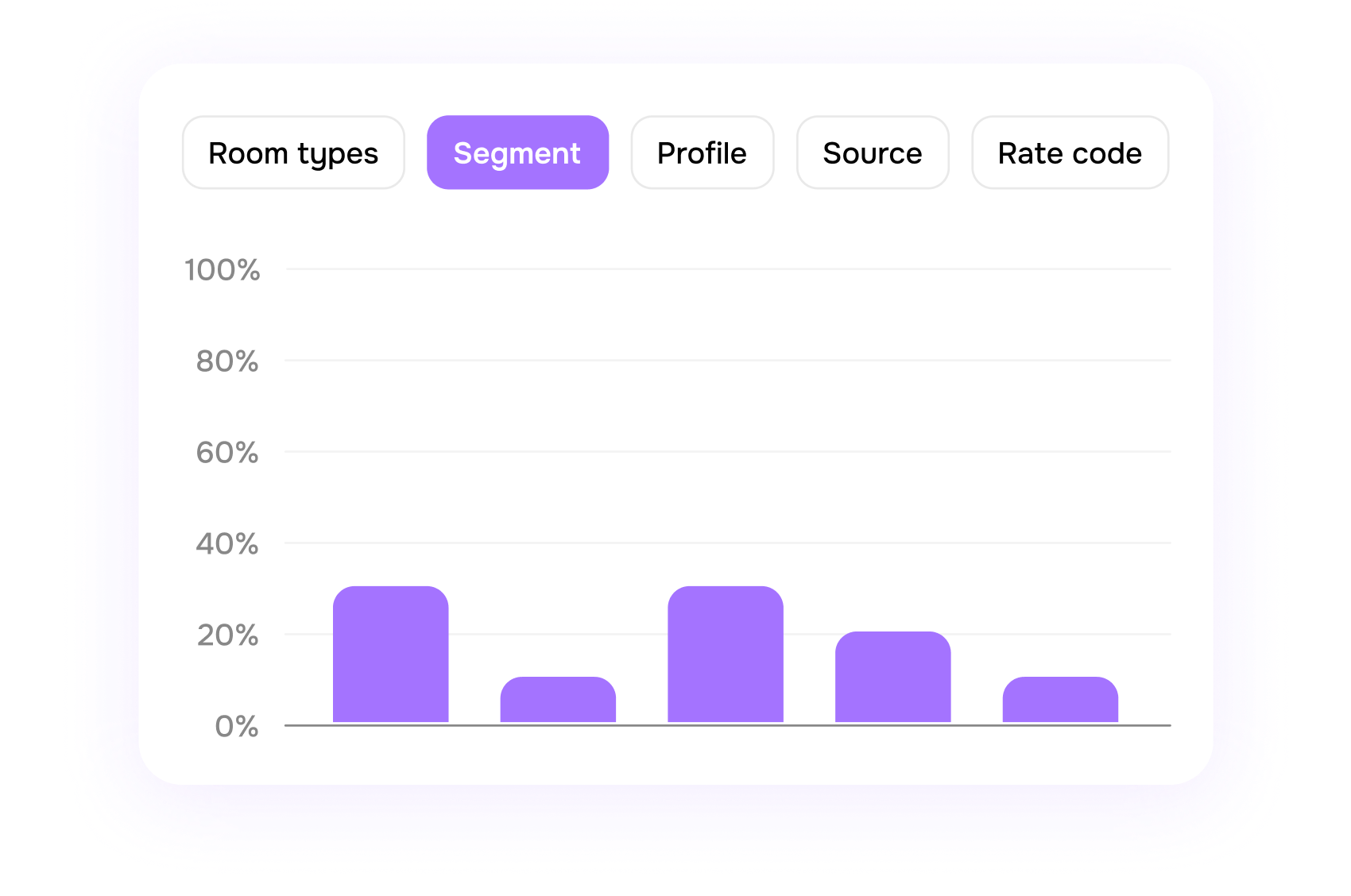

Analyze every metric the way your business actually works
Analyze all metrics by:
- Days of week
- Segments
- Agents
- Companies
- Market codes
- Room types
- Rate codes

Compare performance over time and against your plan
So you always know whether changes are
seasonal, strategic, or performance-driven.
- Month over month
- Year over year
- Actuals vs budget
Clean, unified data instead
of spreadsheets chaos
Turn PMS codes into clear, consistent
names so every report and filter speaks
the same language
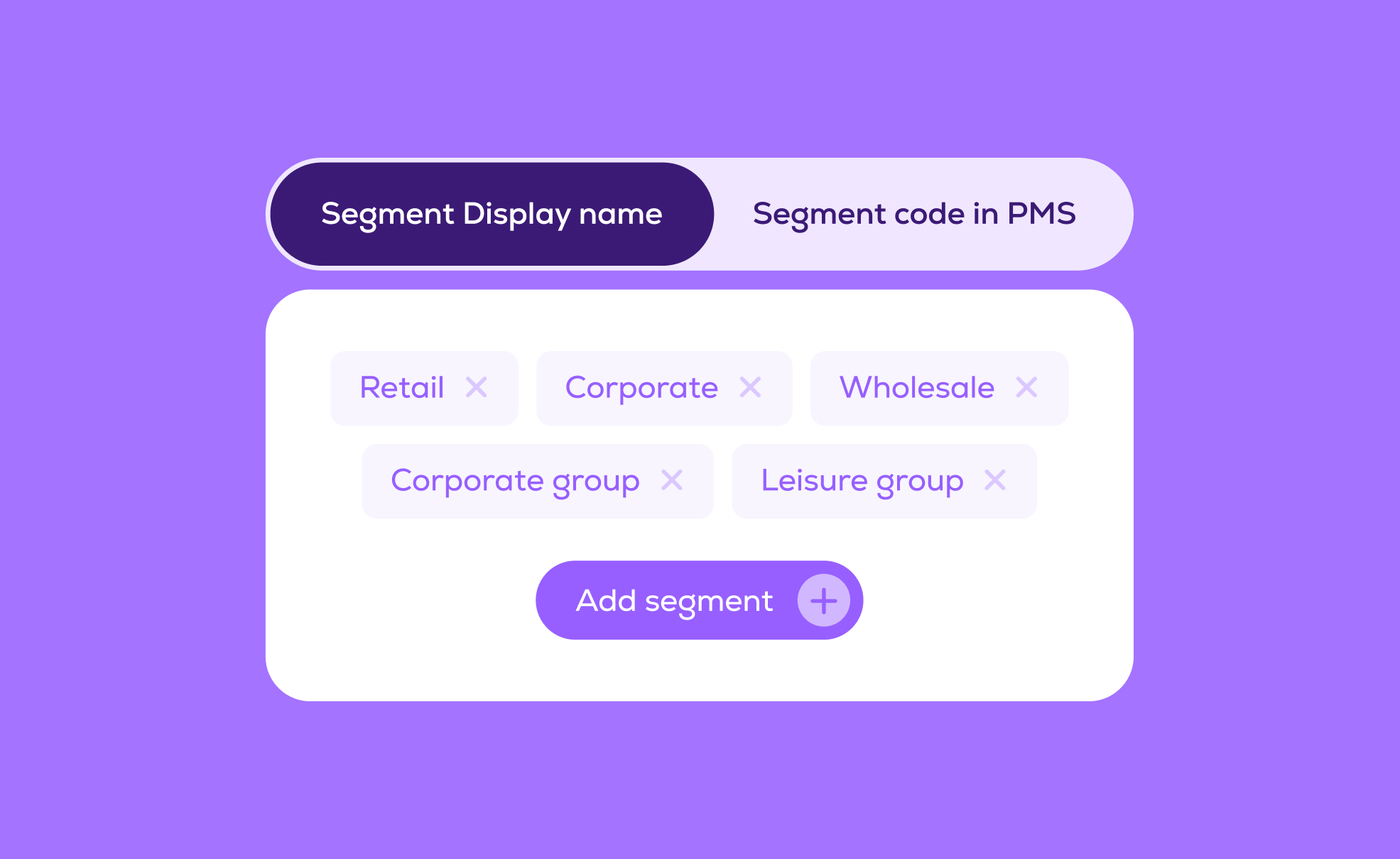
Map PMS rate codes to readable display names
Normalize room types, segments and company profiles
Remove duplicates so everyone works on the same data set
Dashboards, charts and exports that fit your workflow
View data as tables or charts, group it the way you need and share with stakeholders
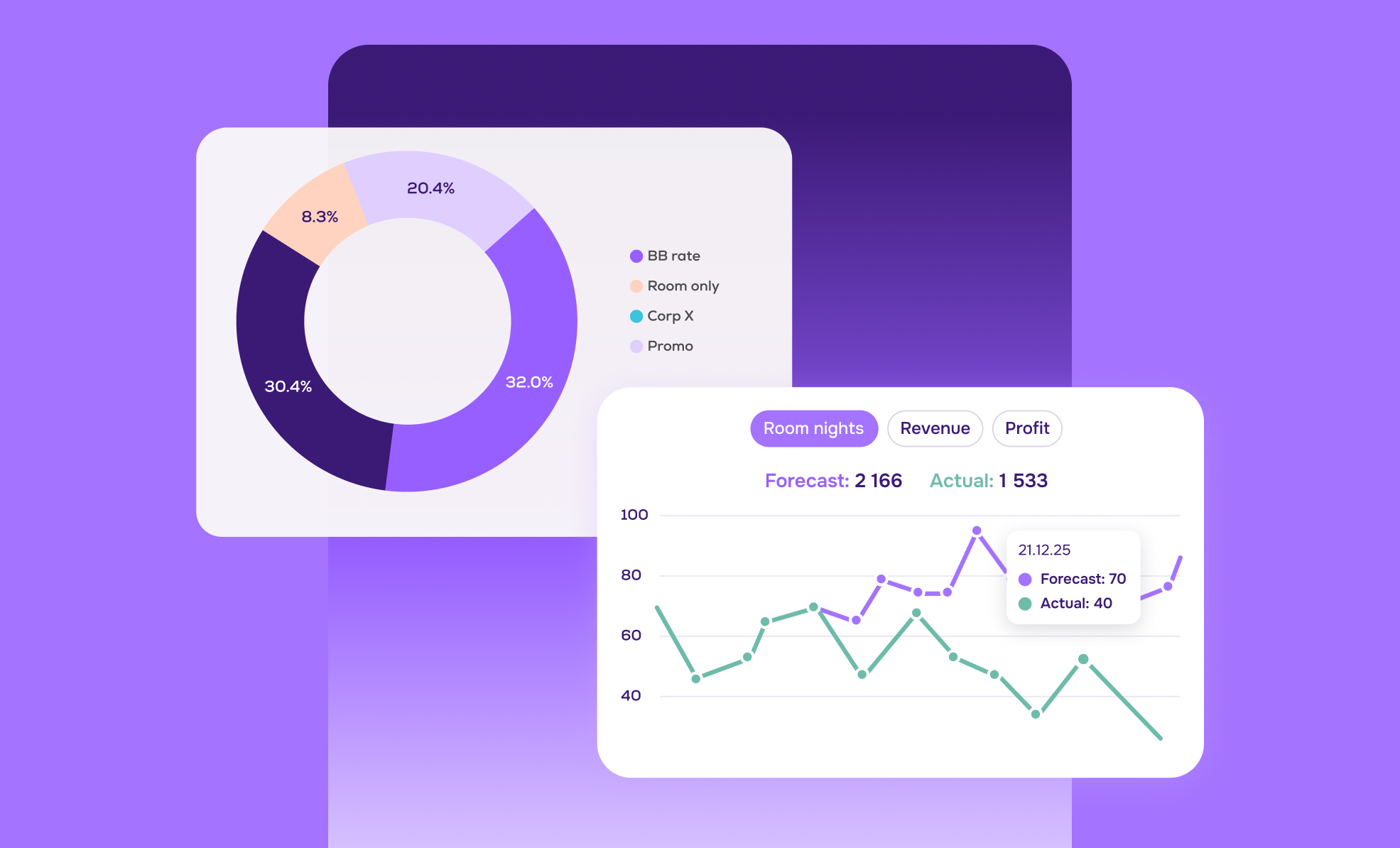
Switch instantly between
tables and visual charts
Group by time period, weekday, segment or category
Export any filtered view
to Excel
Daily email reports for owners and General Managers
Get a concise daily snapshot of performance without logging into the system
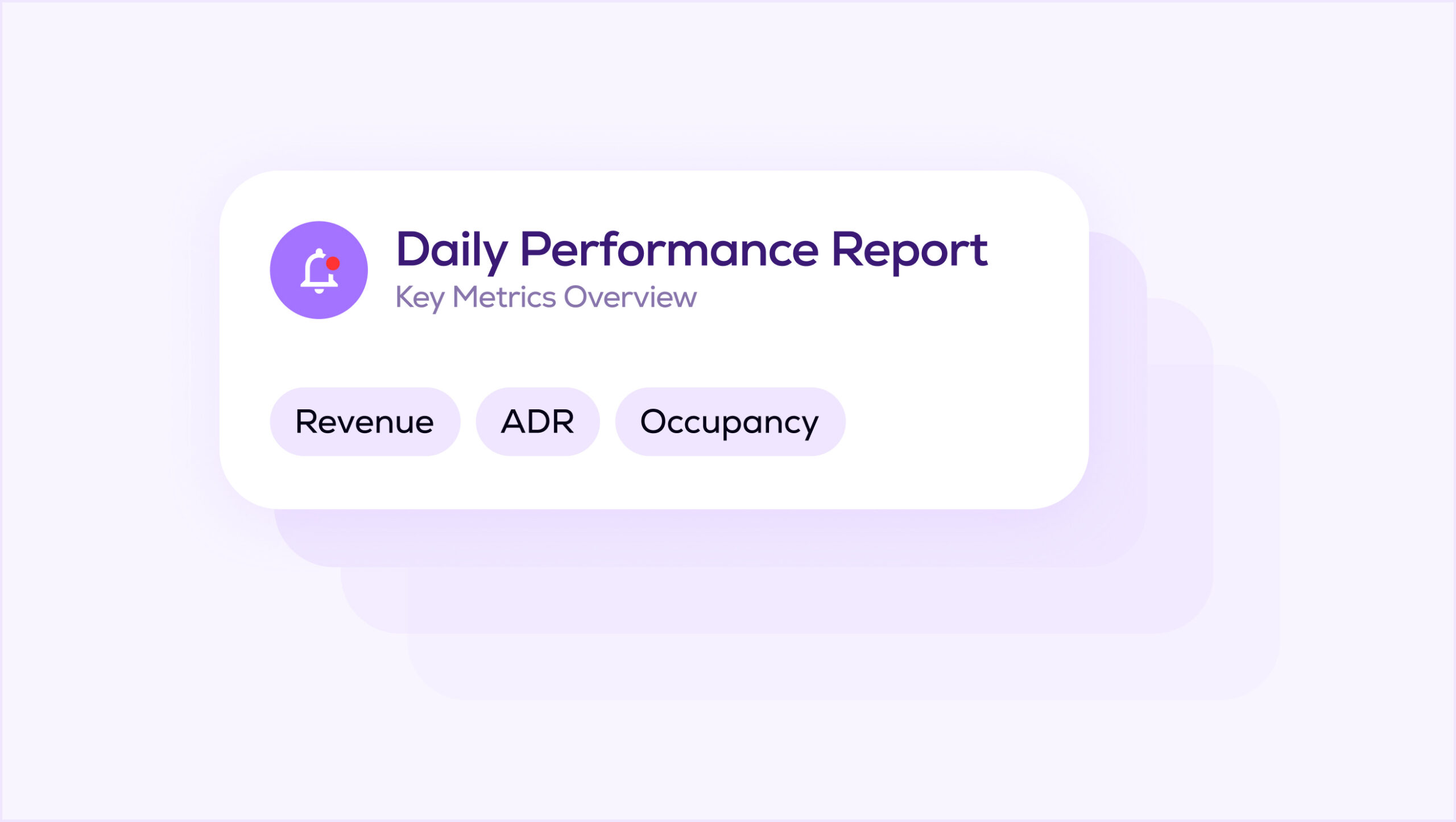
Automatic delivery straight to your inbox
On-the-books, daily forecast and 1/3/7-day pick-up
Competitor price trends and your hotel’s demand index.
Find your perfect plan
Useful articles
FAQ
An RMS (Revenue Management System) is a tool that helps hotels set the right room price at the right time to maximize revenue.
hotellab RMS analyzes your booking pace, historical data, market demand, competitor pricing, and other key factors to provide smart pricing recommendations. It helps you make faster, data-driven decisions while staying in control of your strategy.
In simple terms, hotellab RMS helps you earn more revenue with less manual work.
hotelLab is built for hotels of all sizes — whether you have an experienced in-house revenue manager or you manage revenue yourself.
If you don’t have a dedicated revenue manager, hotellab’s Autopilot mode can automate day-to-day pricing decisions while you stay in control of the overall strategy. It helps you save time, reduce guesswork, and make confident decisions without needing deep technical expertise.
If you do have a professional revenue manager, hotellab provides advanced tools, flexible pricing strategies, and detailed controls that allow for deep customization and hands-on revenue optimization.
A demo is a free, one-hour session where we walk you through the hotellab platform, highlight the key features, and show how it can help you solve real revenue management challenges in your hotel.
hotellab integrates with a wide range of Property Management Systems (PMS) and Channel Managers, making it easy to connect the platform to your existing tech stack in most cases. Integration feasibility is confirmed before launch. You can see the full list of supported integrations here.
Yes. After the demo, we can provide limited access to a demo version of hotellab for two weeks. This is a simulated environment based on either a city hotel or a resort hotel, so you can explore the platform, test key workflows, and get a feel for how it works in practice.
The launch timeline depends on your PMS. For cloud-based systems, the setup usually takes around 30 days. For server-based PMS, it can take up to 90 days. Exact timelines may vary depending on technical specifics and data readiness.
The launch process follows a clear step-by-step structure.
First, once the agreement is signed, the initial invoice is issued and the launch officially begins. Then we set up the Rate Shopper module, including competitor mapping and configuration. After that, we complete the integration with your PMS and/or Channel Manager, followed by data validation and testing to ensure accuracy.
Once the system is fully configured, we conduct training sessions for your team. After go-live, you continue receiving support from your dedicated Customer Success Manager and our Support team to ensure smooth adoption and ongoing performance.